This comprehensive guide explores whether Mac Minis are a viable option for gamers in 2026, addressing common questions and concerns for those balancing life, work, and their passion for gaming. With the rapid evolution of Apple Silicon, many gamers, especially the average 36-year-old balancing family and career, are looking for compact, efficient, and budget-friendly gaming solutions. We dive into the performance capabilities of the latest M-series Mac Minis, comparing them against traditional gaming PCs and discussing the types of games they excel at. Discover practical tips for optimizing your Mac Mini gaming setup, understanding compatibility issues, and finding the best peripherals to enhance your experience. This article provides essential insights into game streaming, cloud gaming services, and native macOS gaming options, helping you make an informed decision without the hype. We cover everything from casual social games to more demanding titles, offering a realistic perspective on what to expect. Learn how to maximize your gaming fun on a Mac Mini, manage potential bottlenecks, and navigate the evolving gaming landscape efficiently.
Related gamesCan a Mac Mini run modern AAA games smoothly
While a Mac Mini with Apple Silicon (M2/M3) can run some modern AAA games, especially those with native macOS ports like Baldur's Gate 3, smoothly at 1080p or even 1440p with adjusted settings, it generally cannot match the consistent high frame rates and max graphical fidelity of a dedicated gaming PC with a high-end discrete GPU. For the most graphically intensive, unoptimized AAA titles, cloud gaming or translation layers are often necessary, with varying performance.
What are the best Mac Mini models for gaming on a budget
For gaming on a budget, a Mac Mini with an M2 chip and at least 16GB of unified memory offers excellent value. While the M3 provides better performance, the M2 still capably handles a wide range of indie, casual, and many older or moderately demanding AAA titles. Prioritizing more unified memory over a slightly faster base chip will generally yield better gaming results on a budget for the Mac Mini platform.
How does Apple Silicon impact gaming performance on Mac Mini
Apple Silicon profoundly impacts Mac Mini gaming by offering a highly efficient, powerful, and integrated architecture. The unified memory and powerful integrated GPU cores on the M-series chips deliver significantly better performance per watt compared to previous Intel Macs, enabling native execution of many modern games. This results in smoother frame rates, lower power consumption, and quieter operation, transforming the Mac Mini into a surprisingly capable gaming machine for its size.
Are there enough games available for Mac Mini gamers
The game library for Mac Mini gamers is growing, but it still lags behind Windows. You have a robust selection of native indie games, many popular social and strategy titles, and a growing number of AAA ports optimized for Apple Silicon. Additionally, services like Apple Arcade and cloud gaming platforms (GeForce NOW, Xbox Cloud Gaming) dramatically expand the playable library to include virtually any PC game, ensuring plenty of options for Mac Mini owners.
What peripherals are essential for a good Mac Mini gaming setup
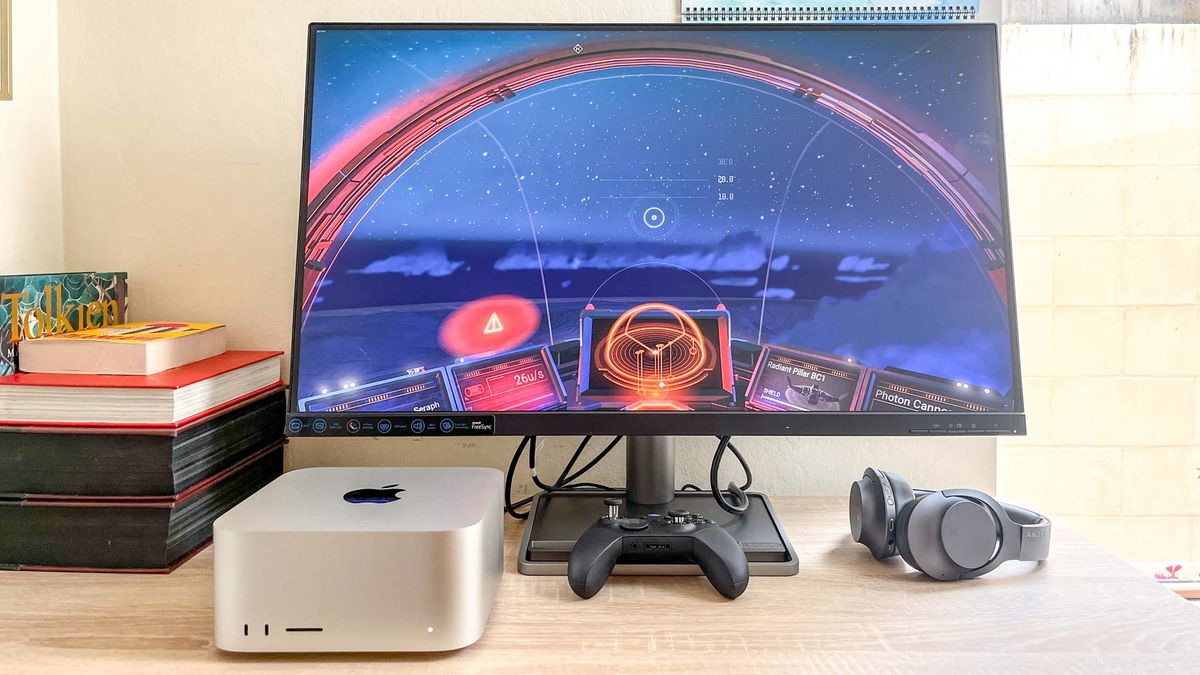
For a good Mac Mini gaming setup, essential peripherals include a high-refresh-rate monitor (120Hz+), a comfortable gaming controller (Xbox or PlayStation DualSense are excellent), and if playing mouse-and-keyboard games, a responsive gaming keyboard and mouse. A quality gaming headset for audio and communication is also highly recommended. Consider a USB-C hub for connecting multiple accessories.
How does cloud gaming enhance the Mac Mini experience
Cloud gaming services like NVIDIA GeForce NOW and Xbox Cloud Gaming dramatically enhance the Mac Mini experience by allowing users to play the latest, most graphically demanding AAA titles at high settings and resolutions, regardless of the Mac Mini's integrated hardware limitations. Since games are streamed from powerful remote servers, your Mac Mini only needs a stable internet connection, making it an excellent solution for accessing a vast library of Windows-exclusive or graphically intensive games without local installation.
What common issues might Mac Mini gamers face and how to fix them
Mac Mini gamers might face issues like limited native game availability, performance drops in demanding titles, and compatibility challenges with certain Windows games via translation layers. To fix these, prioritize native macOS ports, use cloud gaming for high-end titles, optimize in-game settings (lower resolution/graphics), ensure macOS and Game Mode are updated, and manage expectations regarding peak performance compared to dedicated gaming PCs.
Hey fellow gamers! Ever find yourself scrolling through gaming forums late at night, wondering if that sleek, quiet Mac Mini could actually handle your favorite titles? If you are balancing a demanding job, family responsibilities, and a persistent love for gaming, you are not alone. The average gamer in the US is around 36, and about 87 percent of us play regularly, often for 10+ hours a week. We want to unwind, connect with friends, and maybe even build some new skills without the hassle of a bulky rig or breaking the bank on constant upgrades. The burning question for many is: are Mac Minis good for gaming in 2026?
For years, Macs got a bad rap in the gaming world, and for good reason. But with Apple Silicon, things have changed dramatically. No longer just for creative professionals, the M-series Mac Minis are quietly making a name for themselves, offering surprising performance in a tiny package. This guide cuts through the hype to give you the real answers. We will explore what these compact powerhouses can truly do, how they stack up against traditional gaming PCs, and practical ways to optimize your experience. Whether you are looking to dive into relaxing indie games, stay current with social trends, or dabble in more demanding titles via clever workarounds, we have got you covered. Get ready to discover if a Mac Mini can be your next gaming companion, fitting perfectly into your busy life.
Are Mac Minis Good for Gaming in 2026 A Realistic Look
Yes, Mac Minis, especially those equipped with Apple Silicon like the M2 or M3 chips, are surprisingly good for gaming in 2026, particularly for casual and many moderately demanding titles. While they cannot compete with high-end dedicated gaming PCs for cutting-edge AAA performance at max settings, their integrated GPUs offer excellent efficiency and capability for their size and price point. Many popular games, including a growing number of native macOS ports and a vast library accessible through emulation or cloud services, run smoothly, providing a solid gaming experience for the average gamer looking for relaxation and fun after a long day.
The shift to Apple Silicon has fundamentally transformed the Mac Mini's gaming potential. The M-series chips integrate the CPU, GPU, and unified memory onto a single die, leading to incredibly efficient and powerful performance. This means less power consumption, less heat, and a silent operation, which is a huge plus for those gaming in a shared living space or trying to keep distractions minimal. However, it is crucial to manage expectations. While titles like No Man's Sky, Baldur's Gate 3, and Lies of P now have native macOS versions that run remarkably well, the Mac gaming library still lags behind Windows, especially for brand-new, graphically intensive releases.
What are the strengths of Mac Minis for gamers
Mac Minis boast several compelling strengths that make them attractive to a specific segment of gamers, especially those who prioritize efficiency, design, and a balanced lifestyle:
- Exceptional Efficiency and Quiet Operation: Thanks to Apple Silicon, Mac Minis consume far less power and generate significantly less heat than traditional gaming PCs, allowing for near-silent operation even under load. This is perfect for gaming late at night without disturbing others.
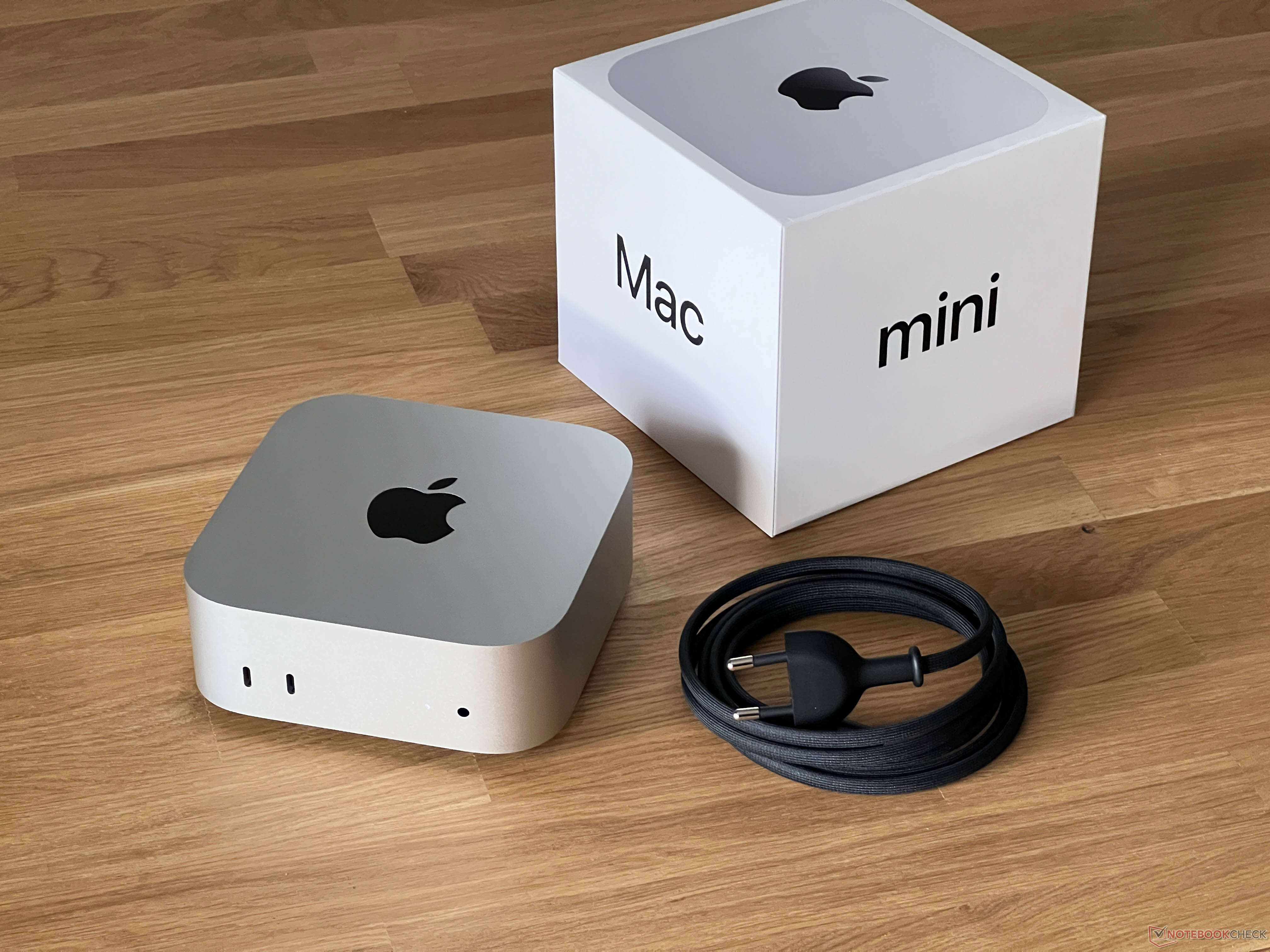
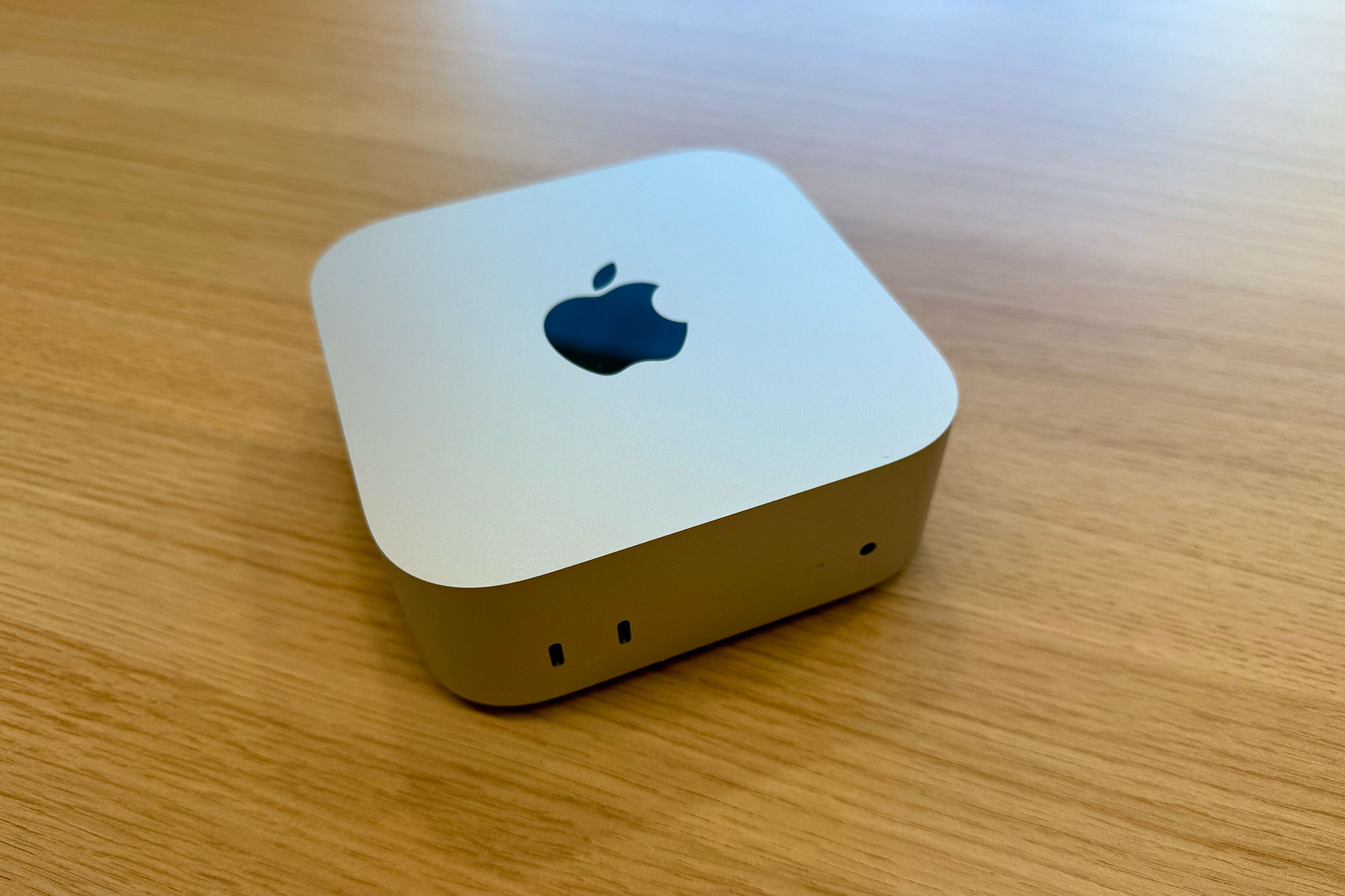
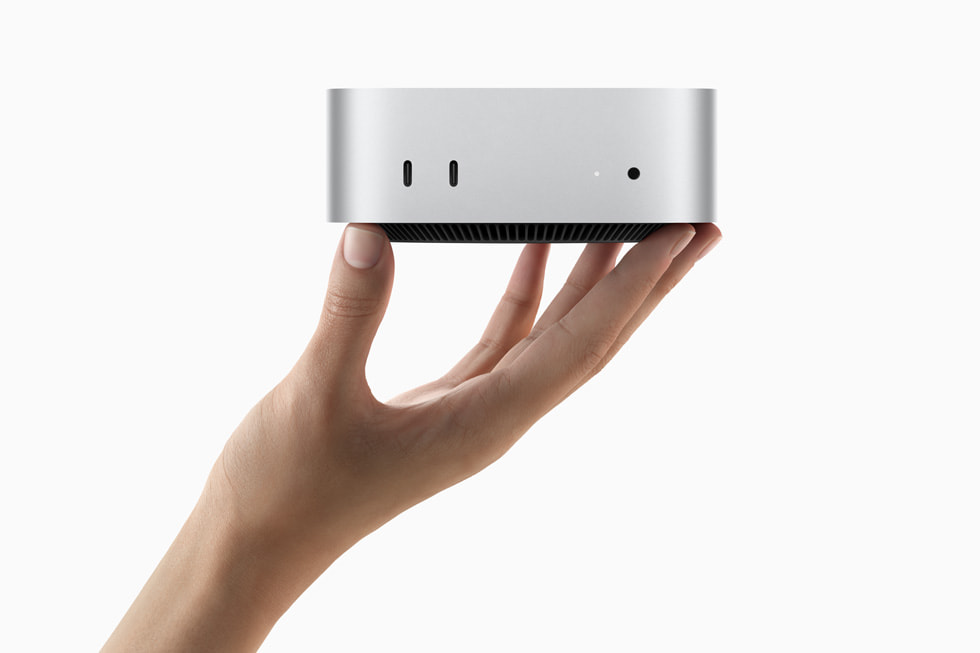
- Compact Form Factor: Their incredibly small size means a Mac Mini can fit almost anywhere, making it ideal for minimalist setups, small apartments, or integrating seamlessly into a home office environment.
- Strong CPU Performance: The M-series chips deliver industry-leading CPU performance, which benefits games that rely heavily on processor power, such as strategy games, simulations, and titles with complex physics.
- Integrated GPU Improvements: While still integrated, the GPUs in M-series chips are powerful for their class, capable of handling 1080p and even 1440p gaming in many titles at respectable frame rates, especially with optimized macOS versions.
- Unified Memory Architecture: This design allows the CPU and GPU to share the same high-bandwidth memory, reducing latency and boosting overall system performance, which can be particularly beneficial for gaming.
- Value for Money (for certain use cases): If you need a computer for productivity, creative work, and casual to moderate gaming, a Mac Mini offers a compelling all-in-one value proposition compared to buying separate dedicated machines.
- Access to macOS Ecosystem: For those already in the Apple ecosystem, the Mac Mini offers seamless integration with other Apple devices, AirDrop, and a user-friendly interface.
What are the limitations of Mac Minis for hardcore gamers
While Mac Minis have evolved, they still present significant limitations for hardcore gamers accustomed to top-tier performance and extensive game libraries:
- Limited GPU Power: The integrated graphics, while impressive for their class, cannot match the raw horsepower of dedicated high-end discrete graphics cards found in gaming PCs. This means lower resolutions, reduced graphical settings, and often lower frame rates for the most demanding AAA titles.
- Restricted Game Library: Despite recent improvements, the native macOS game library is considerably smaller than Windows. Many new AAA games are not released for macOS, or they arrive much later. This forces gamers to rely on workarounds like CrossOver or cloud gaming.
- No User Upgradability: Mac Minis are not user-upgradable. You cannot swap out the GPU, add more RAM after purchase, or upgrade the storage easily. This means you are locked into your chosen configuration for the life of the machine, which can be a drawback for future-proofing.
- Compatibility Issues: Even with Rosetta 2 for Intel-based games or Game Porting Toolkit for DirectX 12 titles, not every Windows game will run perfectly, or at all. Gamers often face stability issues, performance drops, or outright incompatibility with specific anti-cheat systems.
- Driver Support: While Apple controls its hardware and software tightly, the rapid pace of graphics driver updates and optimizations seen on Windows for new game releases is less common for macOS.
- Cost of High-End Configurations: To get the best possible gaming performance from a Mac Mini, you need to opt for higher-tier M-series chips with more GPU cores and unified memory, which significantly increases the price, bringing it closer to the cost of a mid-range dedicated gaming PC.
Which Mac Mini model is best for gaming
For gaming, the best Mac Mini model is typically the latest generation with the most powerful Apple Silicon chip you can afford, prioritizing more GPU cores and unified memory. As of 2026, the Mac Mini with an M3 Pro chip (if Apple releases a Pro variant for the Mini) or the standard M3 chip configured with more GPU cores and at least 16GB of unified memory (preferably 24GB or 32GB) offers the best balance of performance for modern titles. The increased memory bandwidth and core count directly translate to smoother frame rates and higher graphical settings in games.
Here's a quick comparison:
| Model | Chip | Key Gaming Consideration | Ideal For |
|---|---|---|---|
| Mac Mini (Entry) | M2 | Good for casual/indie, older AAA at low settings. Base 8GB RAM is limiting. | Budget-conscious, light gaming, productivity. |
| Mac Mini (Mid-Range) | M2 Pro (or M3 standard with upgraded GPU/RAM) | Significantly better GPU, more unified memory (16GB+ recommended). Runs many modern titles well at 1080p-1440p. | Serious casual gamers, moderate AAA, balancing work/play. |
| Mac Mini (High-End) | M3 Pro (or maxed-out M3) | Best integrated graphics from Apple. Higher frame rates, better settings. Supports more demanding games effectively. | Gamers wanting the absolute best Mac Mini performance, some AAA games. |
Always aim for at least 16GB of unified memory, as it is shared by both the CPU and GPU, and cannot be upgraded later. For optimal performance, a 24GB or 32GB configuration is highly recommended for the M2/M3 models if gaming is a priority.
Can I play AAA PC games on a Mac Mini
Playing AAA PC games on a Mac Mini is becoming increasingly viable, though it is still a mixed bag. The M-series chips have significantly boosted the Mac's capability, enabling three primary routes:
Native macOS Ports: Developers are increasingly porting AAA titles directly to macOS, optimized for Apple Silicon. Recent examples include Baldur's Gate 3, Lies of P, Death Stranding Director's Cut, and No Man's Sky. These run exceptionally well, often rivaling or exceeding performance on integrated graphics from other platforms.
Emulation/Translation Layers (CrossOver, Game Porting Toolkit): Tools like CrossOver (a commercial Wine variant) and Apple's own Game Porting Toolkit (based on Wine and MoltenVK) allow many DirectX 11/12 Windows games to run on macOS. Performance varies wildly, from excellent (e.g., Cyberpunk 2077 on GPTK) to unplayable. This often requires some technical know-how and patience for troubleshooting.
Cloud Gaming Services: For the truly demanding, cutting-edge AAA titles that do not have native Mac versions or do not run well via emulation, cloud gaming is a fantastic solution. Services like NVIDIA GeForce NOW and Xbox Cloud Gaming stream the game from powerful remote servers directly to your Mac Mini. This means your Mac only needs a stable internet connection, not raw graphical power, allowing you to play almost any game at high settings and resolutions, including upcoming titles that might never get a Mac port.
While the options are growing, temper your expectations. Not every game will work flawlessly, and some popular titles may have anti-cheat mechanisms that block emulation layers. For a smooth, consistent AAA experience, cloud gaming remains the most reliable option for Mac Mini users today.
How can I optimize my Mac Mini for better gaming performance
Getting the most out of your Mac Mini for gaming involves a few smart tweaks. While you cannot upgrade the hardware, you can certainly optimize the software and your setup for a smoother experience:
Close Unnecessary Apps: Before launching a game, quit any applications running in the background, especially memory-intensive ones like web browsers with many tabs, video editors, or virtual machines. This frees up unified memory and CPU cycles for your game.
Adjust In-Game Settings: This is the most impactful step. Lower the resolution (e.g., from 1440p to 1080p), reduce texture quality, shadow detail, anti-aliasing, and other graphical effects. Experiment to find the sweet spot between visual fidelity and frame rate. Aim for a consistent 30-60 FPS for a playable experience.
Enable Game Mode (macOS Sonoma and later): macOS Sonoma introduced Game Mode, which automatically prioritizes the game's CPU and GPU usage and reduces background process activity and Bluetooth input latency. Make sure this is active when playing supported games.
Keep macOS Updated: Apple frequently releases macOS updates that include performance improvements and bug fixes, which can sometimes benefit gaming. Ensure your system is always running the latest version.
Use a Wired Connection: For online multiplayer games or cloud gaming, use an Ethernet cable instead of Wi-Fi. A wired connection provides lower latency and more stable bandwidth, crucial for responsive gameplay.
Utilize External Displays Wisely: If you have a high-refresh-rate monitor, ensure your Mac Mini is configured to output at that refresh rate. If struggling for frames, consider lowering the display's resolution to lighten the load on the GPU.
Consider a Gaming Hub/Dock: While not a performance boost for the GPU, a good USB-C hub can help manage peripherals and provide stable power, reducing clutter and ensuring reliable connections for your controller, keyboard, and mouse.
What kind of games run well on a Mac Mini
Mac Minis are excellent for a wide variety of games, especially those that prioritize art style over raw graphical horsepower, or titles with strong macOS optimization:
Indie Games: The vast majority of indie games, known for their unique mechanics and engaging stories, run beautifully on Mac Minis. Think Hades, Stardew Valley, Disco Elysium, Celeste, and Hollow Knight. These are often natively supported and offer countless hours of fun.
Social and Cozy Games: Titles like Among Us, Minecraft, Valheim (via CrossOver), or Sims 4 are perfect for Mac Minis. They are great for unwinding with friends or family and do not demand top-tier graphics. Animal Crossing-like experiences or farming sims thrive here.
Strategy and Simulation Games: Many popular strategy games (e.g., Civilization VI, Crusader Kings III, Stellaris) and simulation titles (e.g., Cities: Skylines) have native Mac ports and play very well on M-series chips due to their strong CPU performance. These are ideal for those who enjoy deep tactical thinking over fast-paced action.
Esports Titles (Selected): Games like League of Legends and DOTA 2 are well-optimized for macOS and run smoothly. While Counter-Strike 2 is currently not officially supported, some community efforts and cloud streaming can provide access. These are great for skill-building and competitive play.
Older AAA Titles and Select Modern Ports: Many older AAA games, or those with excellent Apple Silicon optimization, perform surprisingly well. Examples include the Metro Exodus Enhanced Edition, Borderlands 3, and Resident Evil Village which runs via Game Porting Toolkit or native MetalFX support. Look for games specifically advertising Metal API support.
Emulated Games: If you enjoy retro gaming, emulators for older consoles run flawlessly on Mac Minis, turning them into powerful nostalgia machines.
The key is to look for games with native macOS versions or a strong reputation for running well with tools like CrossOver. Cloud gaming remains the best bet for anything else.
Is cloud gaming a viable solution for Mac Mini users
Absolutely, cloud gaming is an incredibly viable and often ideal solution for Mac Mini users who want to play demanding AAA titles without investing in a dedicated gaming PC. It completely bypasses the Mac Mini's integrated GPU limitations by running games on powerful remote servers and streaming the video output to your device. All your Mac Mini needs is a stable, fast internet connection and a good display.
Popular services like NVIDIA GeForce NOW and Xbox Cloud Gaming (via Game Pass Ultimate) offer access to hundreds of titles. With GeForce NOW, you can connect your existing game libraries from platforms like Steam, Epic Games Store, and GOG, and play them on high-end hardware. Xbox Cloud Gaming integrates seamlessly with Game Pass, offering a rotating library of games. Many US gamers are embracing this hybrid approach, leveraging mobile and cloud platforms to complement their traditional gaming habits. It is perfect for those who want to jump into the latest blockbusters, engage in social multiplayer, or try out new releases without worrying about local hardware requirements, patching, or storage space. It is a fantastic way to stay current with gaming trends and enjoy high-fidelity experiences on your compact Mac Mini.
What peripherals do I need for Mac Mini gaming
A great gaming experience on your Mac Mini is not just about the computer itself; the right peripherals make all the difference, especially when you are trying to maximize fun and performance within a busy schedule. Here's what you will want:
Monitor: A good monitor is crucial. For competitive edge and smoother visuals, look for a monitor with a high refresh rate (120Hz or 144Hz) and low response time (1ms or 5ms). A 1080p or 1440p resolution is usually the sweet spot for Mac Mini gaming, balancing crispness with frame rates. Consider an ultrawide monitor for immersive experiences in supported games.
Controller: Many Mac games and all cloud gaming services support controllers. An Xbox Wireless Controller or a PlayStation DualSense controller are excellent choices, offering comfort and broad compatibility with macOS and Apple Arcade. Bluetooth pairing is straightforward, providing a wireless, untethered experience.
Keyboard and Mouse: For games that benefit from precision (strategy, RPGs, some shooters), a dedicated gaming keyboard and mouse are a must. Look for mechanical keyboards for tactile feedback and gaming mice with adjustable DPI and extra programmable buttons for quick actions. Many popular brands offer macOS-compatible options.
Headset: A quality gaming headset improves immersion with clear audio and allows for effective communication in multiplayer games. Look for comfortable over-ear designs with a good microphone. USB-C or 3.5mm jack headsets will work directly, or you can use Bluetooth options like AirPods for convenience.
USB-C Hub or Dock: Given the Mac Mini's limited port selection (especially on base models), a powered USB-C hub or dock can be invaluable. This allows you to connect multiple peripherals, external storage, and even provide additional display outputs without cable clutter.
Investing in good peripherals elevates your Mac Mini gaming setup, turning it into a capable and enjoyable battle station that fits your lifestyle.
How does Mac Mini gaming fit into a balanced lifestyle
For the average gamer who balances jobs, families, and life's many demands, Mac Mini gaming fits perfectly as a flexible, stress-relieving, and social activity without overwhelming your space or budget. Its compact size means it is not an intrusive centerpiece, easily blending into a home office or living room. This allows for quick transitions from work to play, making the most of limited free time. You can jump into a relaxing indie game for 30 minutes, join friends on Discord for a casual co-op session, or unwind with a cloud-streamed AAA title without a massive setup process.
The Mac Mini’s efficiency also aligns with a mindful approach to technology; it is powerful enough for productivity and entertainment without the environmental impact or noise of a high-powered rig. It supports the social aspect of gaming by seamlessly integrating with communication apps like Discord, fostering connections crucial for mental well-being. Plus, its budget-friendly entry point (compared to many dedicated gaming PCs) means you can enjoy modern gaming without guilt, investing smart in a system that serves multiple purposes in your life. It is about maximizing your enjoyment and relaxation, building skills, and connecting with others, all within the practicalities of adult life, truly embodying what modern gaming should be for busy individuals.
So, are Mac Minis good for gaming in 2026? Yes, they absolutely are for a significant portion of the gaming community. They are not a replacement for an ultra high-end gaming PC, but they are a fantastic, compact, and efficient solution for casual players, indie game enthusiasts, and those who leverage cloud gaming. For busy adults looking for an enjoyable, hassle-free way to de-stress, connect, and have fun, the Mac Mini offers a compelling proposition. It is about smart gaming, making the most of what you have, and finding the right tool for your specific gaming needs within your lifestyle.
What's your biggest gaming challenge with a Mac Mini, or what game are you hoping to play on yours? Comment below and let's share some tips and recommendations!
FAQ Section
Q: Is a Mac Mini M1 still good for gaming in 2026
A: The Mac Mini M1 is still good for many casual and indie games, and even some older AAA titles, especially at 1080p with adjusted settings. However, newer M2/M3 models offer significantly better integrated GPU performance for more demanding games.
Q: Can I connect an external GPU (eGPU) to a Mac Mini with Apple Silicon
A: No, Mac Minis with Apple Silicon (M1, M2, M3 chips) do not support external GPUs (eGPUs). This feature was limited to Intel-based Macs. The unified memory architecture makes eGPUs incompatible with Apple Silicon Macs.
Q: What is Game Porting Toolkit and how does it help Mac Mini gaming
A: Game Porting Toolkit is a tool released by Apple that helps developers and users run Windows games on macOS. It translates DirectX 11/12 API calls to Apple's Metal API, significantly improving compatibility and performance for many Windows-exclusive titles on Mac Minis.
Q: Are there any subscription services specifically for Mac gaming
A: Yes, Apple Arcade offers a library of over 200 premium games optimized for Apple devices, including Mac Minis, with no ads or in-app purchases. Cloud gaming services like GeForce NOW and Xbox Cloud Gaming also provide access to extensive game libraries.
Q: How much RAM (unified memory) is ideal for Mac Mini gaming
A: For optimal gaming performance on a Mac Mini, 16GB of unified memory is generally recommended as a minimum. If you can afford it, 24GB or 32GB will provide a noticeable boost, especially for more demanding titles and when running games via emulation or translation layers.
Q: Can I use my existing PC gaming peripherals with a Mac Mini
A: Most PC gaming peripherals, including USB keyboards, mice, and Bluetooth controllers (like Xbox or PlayStation), are compatible with Mac Minis. Some specialized peripherals might require specific drivers, but basic functionality is usually plug-and-play or easily paired.
Mac Mini gaming is viable for casual to moderate titles. Apple Silicon significantly boosts performance. Compatibility with AAA games is still a challenge. Cloud gaming offers a workaround for demanding titles. Value for money depends on gaming expectations. Optimization tips improve gameplay. Ideal for gamers balancing life and work.
35


Is 16GB RAM Enough For Gaming The Ultimate 2026 Guide Mini PC Vs Mac Mini For. 2026 Mac Mini M5 Leaks Specs Features And Release Date KittyBNK 2026 Mac Mini M5 Pro Chip. The New Mac Mini M4 Is INSANE For Gaming 10 Games Tested MacOS . Gaming News Geeky Gadgets Apple M4 Pro Mac Mini Emulation 768x431 . Entry Level 2024 Apple Mac Mini Impresses With Solid Gaming And Apple M4 Mini Gaming


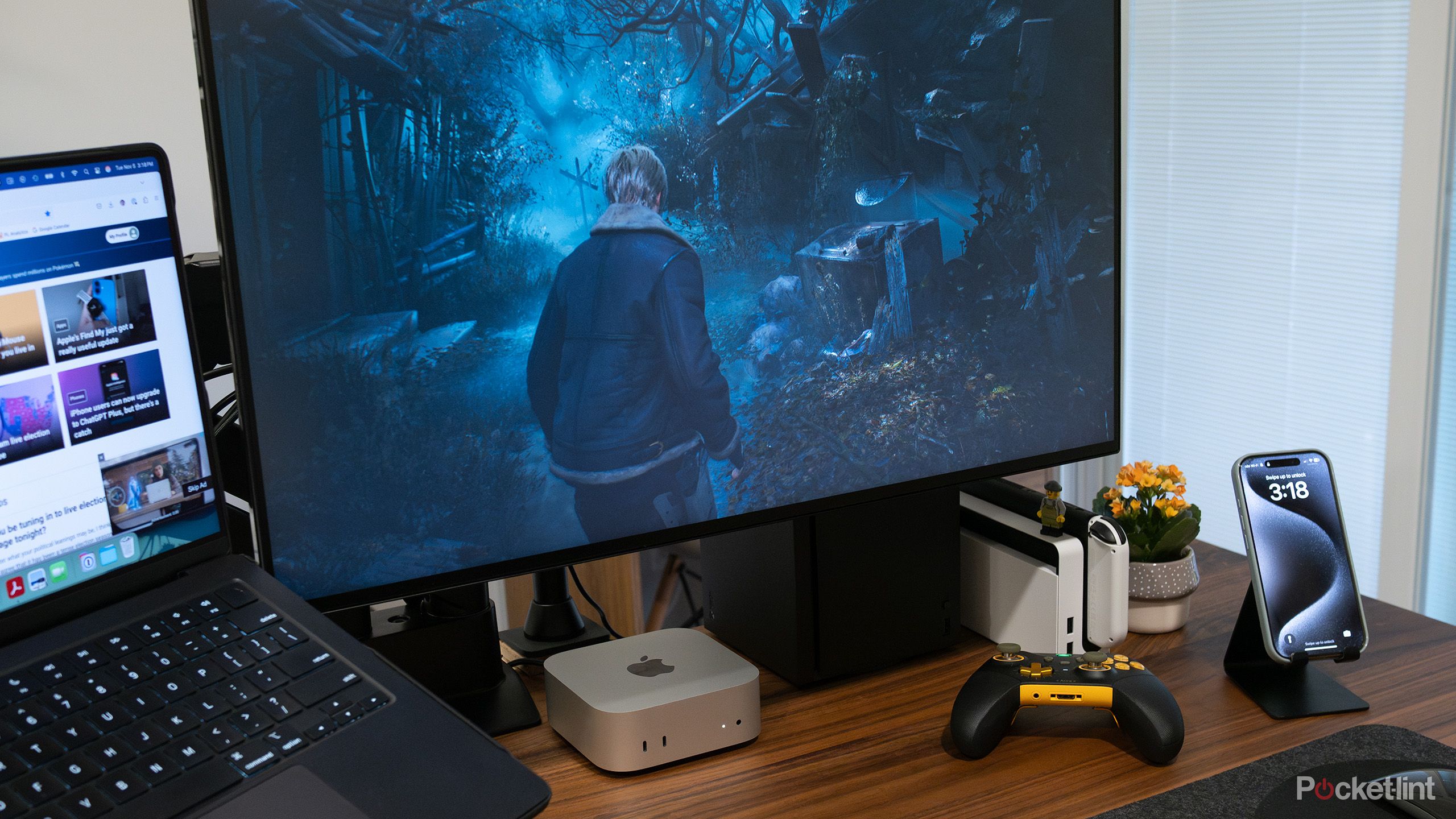
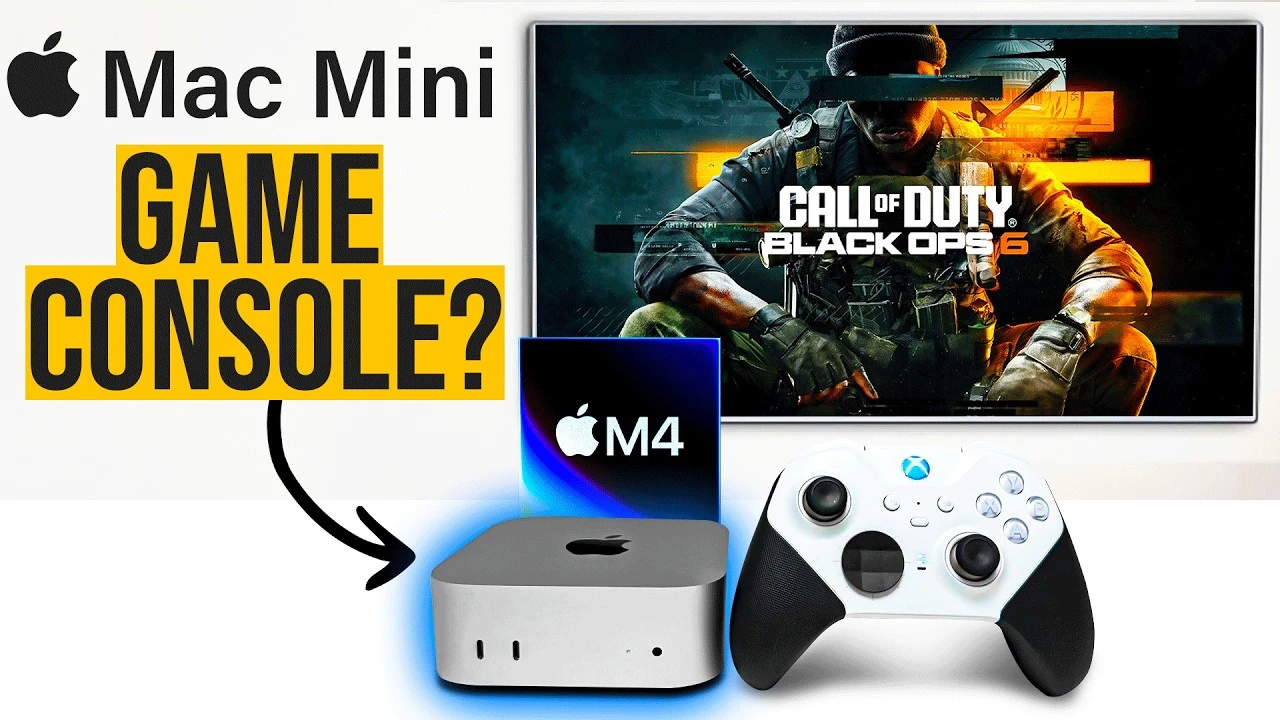
Is Apple S New 599 Mac Mini Good For Gaming YouTube Oar2 . M4 Mac Mini 16GB Is AMAZING 8 Games Tested YouTube . All About Gaming On Mac M1 Mini Screenshot 2022 03 10 At 17.12.30 1024x560 . Are Macs Good For Gaming In 2025 It S Complicated M4 Mac Mini Resident Evil 4 . Can A M4 Mac Mini Handle Modern Games Spoiler Yes Geeky Gadgets M4 Mac Mini Gaming.webp

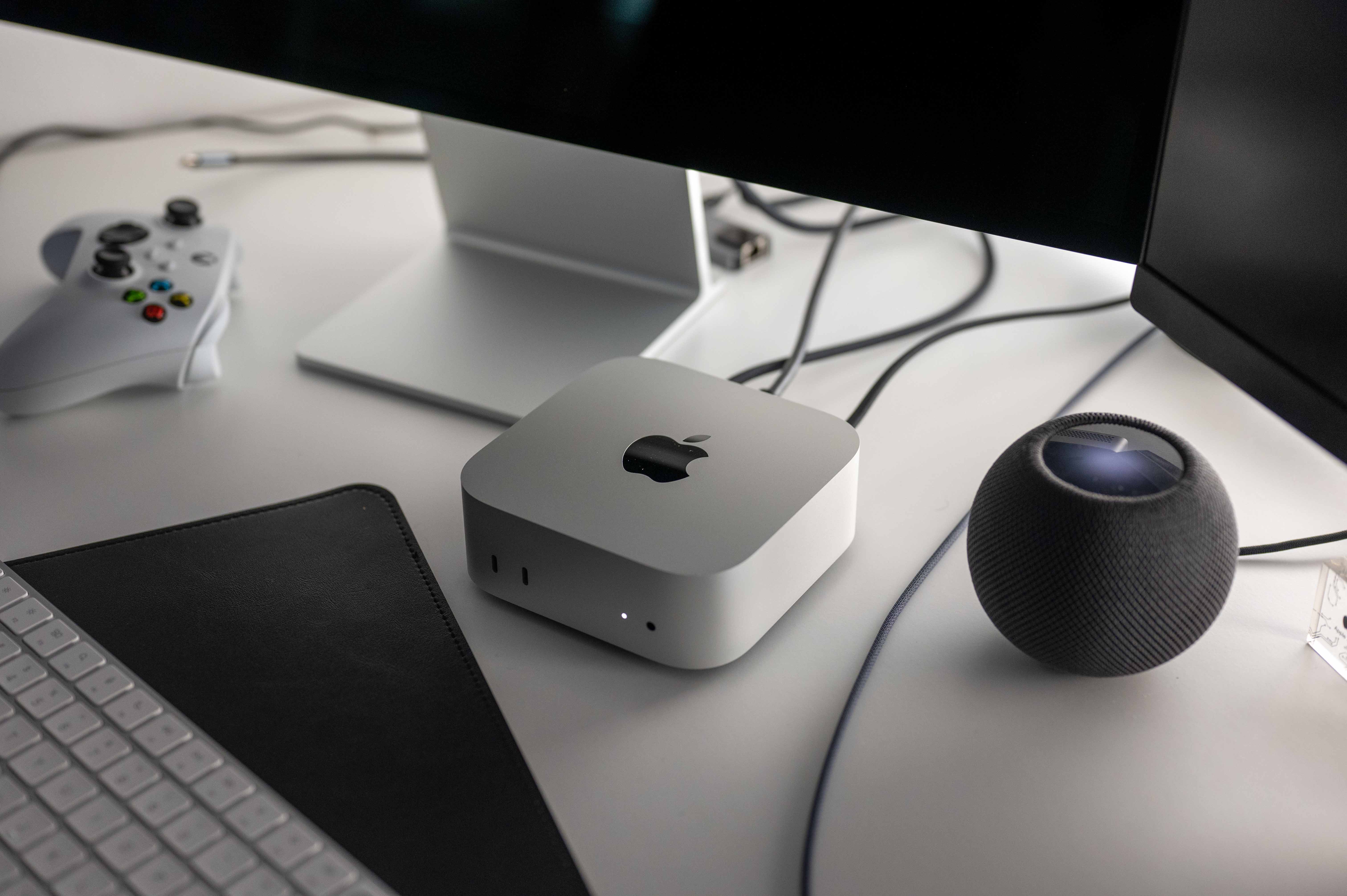
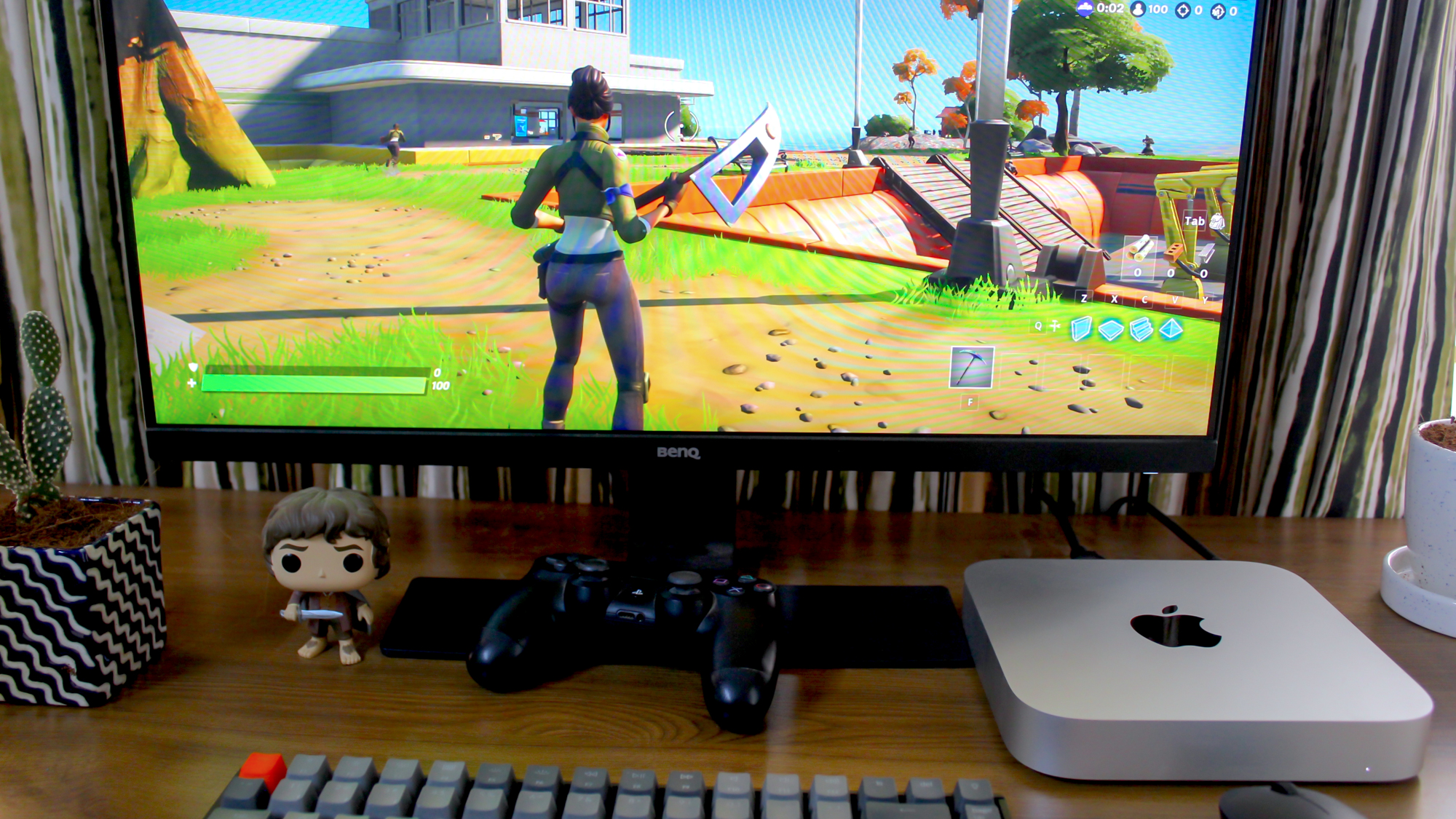
Apple Mac Mini M5 2025 Vortex Gaming . Clawdbot Has Unleashed A Frenzy Users Are Buying Out Because Of The AI Mac Mini M4 A Studio Display LsA 46 . Can You Game On The M1 Mac Mini Laptop Mag . 2026 Mac Mini Specs Features And Pricing Explained Geeky Gadgets Apple M5 Chip Performance. Apple Mac Mini M4 2024 Review Smaller Faster Better TechRadar



4 Reasons The Mac Mini Can Be The Perfect Home Server For The Right Person Mac Mini M4 22 . M4 Pro Mac Mini S High Power Mode Is A Game Changer For Power Users ArsTechica MacMini Review . Marked Up Mac Minis Flood EBay Amid Shortages Driven By AI TechCrunch CMC 8135 . Grab The Mac Mini M4 For Less As It Drops To Its Lowest Price Of 2025 Mac Mini M4 10 . Falling Prices Heat Debate Mac Mini Or Custom PC For 599 Cybernews Mac Mini Pc2
Mini PC Deal Apple Mac Mini Mit M4 Prozessor 16 GB RAM Und 256 GB SSD IMG 7624.JPG. I Spent A Week Gaming On The Most Powerful Mac Yet Here S What I 1200 80 . 2026 Mac Preview This Could Be The Biggest Year For The Mac Since 1984 Apple Mac Mini M4 SJ4 . Apple Mac Mini 2024 M4 M4Pro Forumul Softpedia Apple Mac Mini Hero Big .large . Why Apple S M5 Will Make The Mac Mini And Mac Studio In



Apple Introduces M4 Pro Chip Debuting On The New Mac Mini TechCrunch Apple Mac Mini Back Facing Ports . Apple Mac Mini M4 Review More Power In A Tiny Package TechCrunch CMC 8138 . Is The Apple Mac Mini The Best Computer For My Studio Audio Mac Mini V Studio . The Best Mac Mini For Local LLMs In 2026 M4 Vs M4 Pro For Ollama And MLX 59ee10a2 Ec00 4418 Aed7 2400x1628 . Acasis Mac Mini M4 Dock Turn Your Mac Mini Into A Mini Mac Pro Mac Mini And Mac Studio



2023 M2 Mac Mini GAMING YouTube . MacOS Is Bad At Unzipping Files Here S 5 Alternative Archive Apps To M4 Mac Mini On A Desk . Even The Cheapest Mac Mini Is Now Unavailable On Apple S Online Store Even The Cheapest Mac Mini Is Now Unavailable On Apples Onli Dtte.3840 . The Gaming Benefits Of MacOS Mac Mini M4 2024 002 1536x1024 . Review M4 And M4 Pro Mac Minis Are Probably Apple S Best Mac Minis IMG 2365