Mastering how to redeem CoD codes is essential for any Call of Duty enthusiast in 2026. This comprehensive guide navigates the straightforward process, ensuring you can swiftly unlock your in-game rewards, from weapon blueprints and operator skins to Battle Pass tokens and XP boosts. With new game releases and seasonal content constantly arriving, knowing the precise steps to redeem your digital codes, whether from retail purchases, promotional events, or seasonal bundles, is more crucial than ever. We cover every platform and common scenarios, providing clear, actionable insights. Avoid common pitfalls and dive back into the action faster with your new loot. This guide is your definitive resource for hassle-free Call of Duty code redemption in the ever evolving gaming landscape.
How do I redeem a Call of Duty code on Activision's website?
To redeem a CoD code, visit callofduty.com/redeem, log into your Activision account, and enter your 13-character code. Ensure your gaming platform (PC, PlayStation, Xbox, Steam) is linked. Submit the code, and your in-game rewards should appear shortly after. This is the primary method for most digital content.
What steps should I take if my CoD code is invalid or not working?
If your CoD code is invalid, first double-check for typos and ensure it has not expired. Verify you are using the correct redemption platform. If issues persist, confirm the code's region compatibility and contact Activision Support with your code and proof of purchase for direct assistance. Do not attempt too many times to avoid temporary locks.
Can I redeem CoD codes directly on my PlayStation or Xbox console?
While some platform-specific codes (e.g., PSN Store, Xbox gift cards) are redeemed directly on consoles, most Call of Duty in-game content codes must be redeemed via the official Activision redemption website. After successful redemption there, the content is then pushed to your linked console account, ensuring cross-platform recognition.
How long does it take for redeemed CoD items to appear in my game?
Typically, redeemed Call of Duty items appear almost instantly in your game after a successful redemption. If not immediately visible, try restarting your game or even your entire gaming platform. Sometimes, a brief delay can occur, especially during peak times or after major updates. Check your in-game inventory or mailbox for new items.
Where can I find my CoD redemption code after purchase?
CoD redemption codes are usually located on physical game inserts, printed on digital receipts from online retailers like Amazon or Humble Bundle, within promotional emails, or provided during special event giveaways. Always check the email inbox associated with your purchase or the packaging of physical products for your unique code.
What types of rewards can I get from CoD codes?
CoD codes can unlock a variety of in-game rewards, including exclusive operator skins, unique weapon blueprints with preset attachments, calling cards, emblems, weapon charms, Battle Pass tier skips or tokens, and XP boost tokens. These rewards enhance customization and progression within Call of Duty titles across all linked platforms.
Is an Activision account required to redeem CoD codes?
Yes, an Activision account is almost always required to redeem Call of Duty codes for in-game content. Your Activision account acts as the central hub, linking all your gaming platforms (PC, PlayStation, Xbox, Steam) and ensuring that redeemed rewards are correctly attributed and delivered to your chosen game profiles.
How to Redeem CoD Code Ultimate 2026 Redemption Guide

In the fast-paced world of Call of Duty 2026, where AI-enhanced adversaries and hyper-realistic cloud-powered battlegrounds dominate, maximizing your in-game arsenal and cosmetics is more crucial than ever. From exclusive weapon blueprints obtained through limited-time promotions to Battle Pass tokens earned from special events, understanding how to redeem CoD code efficiently ensures you never miss out on valuable content. The landscape of digital rewards is constantly evolving, with new seasons, collaborations, and regional promotions introducing a myriad of codes for everything from operator skins and emblems to XP boosts and weapon charms. This definitive guide is crafted for the discerning U.S.-based PC gamer, aged 18-45, navigating the complexities of modern gaming platforms and digital entitlements. Whether you are a Warzone veteran, a competitive multiplayer specialist, or a campaign enthusiast, knowing the exact steps to unlock your digital loot across Activision Battle net PlayStation Xbox and Steam is paramount to staying ahead. We will break down every aspect of the redemption process, address common issues, and provide expert tips to ensure your experience is as seamless as the next-gen graphics of your favorite CoD title. Get ready to power up your game without a hitch.
The Core of CoD Code Redemption Understanding the Ecosystem
Before diving into platform-specific instructions for how to redeem CoD code it is essential to grasp the overarching redemption ecosystem. Most Call of Duty codes originate from Activision and are primarily processed through their centralized redemption portal. This portal acts as a bridge, linking your unique code to your Activision account which in turn is connected to your preferred gaming platforms. This multi-layered approach ensures that content is correctly attributed regardless of whether you play on PC, PlayStation, or Xbox. Codes can come from various sources including physical game purchases, special edition bundles, energy drink promotions, hardware partnerships with companies like NVIDIA or AMD, or even directly from in-game events. Knowing the source often helps in identifying the correct redemption path if a universal one isnt immediately clear. Always verify the codes validity and expiration date before attempting redemption to avoid frustration.

How to Redeem a CoD Code on the Activision Website Universal Method
The most common and often recommended method for how to redeem CoD code is through the official Activision Call of Duty redemption website. This platform acts as a central hub for most digital entitlements. Ensure you have your Activision account login details handy and that all your gaming platforms are correctly linked to it. This step is crucial as your redeemed content will be pushed to the linked platform accounts.
To begin the process:
- Navigate to the official Call of Duty redemption page usually found at callofduty.com/redeem or similar. Always ensure you are on a legitimate Activision domain to avoid phishing scams.
- Log in using your Activision account credentials. If you do not have an account you will need to create one and link your gaming profiles (Battle net PlayStation Xbox Steam) during registration or in your account settings.
- Once logged in locate the field for code entry. This is typically a prominent text box asking for your 13 or 16 character code.
- Carefully enter your redemption code. It is highly recommended to copy and paste if possible to prevent typos. Codes are usually case-sensitive and may contain a mix of letters and numbers.
- After entering the code click "Submit" or "Redeem." The system will verify the code and prompt you to select the platform where you wish to receive the content if it applies to multiple games or platforms.
- Confirm your selection. You will typically receive a confirmation message indicating successful redemption. The items should then appear in your game when you next log in or after a brief period.
Redeeming CoD Codes on PC Battle net
For PC gamers, many CoD titles are managed through Blizzard Entertainment's Battle net client. While most codes go through Activision directly some specific PC-only promotions or Battle net specific content might require direct redemption within the client.
- Open your Battle net desktop application and log in.
- Click on your account name in the top right corner.
- Select "Redeem a Code" from the dropdown menu.
- Enter your Battle net specific CoD code in the provided field.
- Click "Redeem Code."
- The content should be added to your Battle net account and accessible in your Call of Duty game linked to that account.
Redeeming CoD Codes on PlayStation Consoles
PlayStation users will often find that their codes are redeemed via the PlayStation Store, especially for PlayStation Plus specific bonuses or wallet top-ups that can then purchase CoD content. However game-specific codes usually follow the Activision portal method.
- On your PlayStation console navigate to the PlayStation Store.
- Scroll down the left-hand menu and select "Redeem Codes."
- Enter the 12-character PlayStation Store voucher code.
- Confirm the redemption. The content will then be available on your PlayStation account.
- For CoD specific in-game items, ensure your PlayStation account is linked to your Activision account before logging into the game.
Redeeming CoD Codes on Xbox Consoles
Similar to PlayStation, Xbox users can redeem codes directly through the Microsoft Store on their console or via the Xbox website. This is primarily for game passes Xbox gift cards or specific Xbox promotions.
- On your Xbox console navigate to the Microsoft Store.
- Select "Redeem a code" or press the View button (the two squares) to open the side menu and choose "Redeem."
- Enter the 25-character code.
- Confirm the redemption.
- For in-game CoD items, ensure your Xbox account is linked to your Activision account.
Redeeming CoD Codes on Steam for PC
While many Call of Duty titles have traditionally been on Battle net more recent entries are available on Steam. Steam redemption is typically for full game keys or specific Steam DLC keys.
- Open the Steam client and log in.
- In the top menu, click "Games" then "Activate a Product on Steam."
- Follow the on-screen prompts, agreeing to the Steam Subscriber Agreement.
- Enter your Steam product code (usually a 15-digit alphanumeric code).
- Click "Next" to complete the activation.
- For in-game items, ensure your Steam account is linked to your Activision account.
Troubleshooting Common CoD Code Redemption Issues 2026
Even with the most streamlined processes, issues can arise when trying to how to redeem CoD code. Here are some common problems and their 2026 solutions, incorporating insights from recent platform updates and player feedback.

Why is my CoD redemption code showing as invalid or already used?
This is a frequent issue. First, meticulously re-enter the code, checking for typos—0 vs O, 1 vs I, 5 vs S. Codes are often case-sensitive. If you copied and pasted, ensure no extra spaces were included. Second, verify the code has not expired. Many promotional codes have a strict redemption window. Third, if you received the code from a third-party retailer or a friend, there's a possibility it was already redeemed by someone else or is region-locked. Always obtain codes from trusted, official sources. Lastly, ensure the code type matches the redemption platform. A Battle net code won't work on the PlayStation Store and vice versa without going through the Activision portal first.
My redeemed content is not appearing in-game what should I do?
After successfully redeeming how to redeem CoD code it usually takes a moment for items to populate in your account. The first step is to restart your Call of Duty game entirely. Sometimes the game client needs a fresh boot to synchronize with your account entitlements. If that doesnt work, restart your gaming platform (PC, console). Confirm that the content was redeemed to the correct linked account. Check your in-game mailbox or inventory for new items, as some rewards are delivered there. If the issue persists after several hours, check official Call of Duty support channels for server status updates, as delays can occur during high traffic periods or after major updates. Contact Activision Support if none of these steps resolve the problem, providing your code and proof of redemption.
What if my Activision account is not linked to my gaming platform?
For seamless content delivery, linking your Activision account to your PlayStation Xbox Battle net or Steam profile is paramount. If they are not linked, content redeemed via the Activision website cannot be properly pushed to your game. To link accounts, log in to your Activision profile on their website, navigate to the 'Linked Accounts' section, and follow the prompts to connect your desired platforms. This is a one-time setup that ensures all future rewards are automatically delivered to your active gaming profiles. Discrepancies here are a primary reason for missing in-game items after a successful redemption.
Can I redeem region-locked CoD codes from another country?
Most CoD codes are region-specific due to licensing and promotional agreements. Attempting to redeem a code from a different region than your account or IP address might result in an error or the code being unusable. Always verify the region compatibility of the code before purchasing or acquiring it, especially from unofficial resellers. Using VPNs to bypass region locks is generally against terms of service and can lead to account suspension. It is best to stick to codes intended for your geographical region to avoid complications and potential loss of the code's value.
Maximizing Your CoD Rewards Best Practices for 2026
Staying on top of your Call of Duty rewards in 2026 requires more than just knowing how to redeem CoD code it involves smart habits and vigilance. Here are advanced tips for the modern gamer.
How to efficiently track new CoD codes and promotions?
In 2026, information spreads fast. To track new CoD codes efficiently, regularly follow official Call of Duty social media channels (Twitter, Instagram, Facebook), subscribe to the official newsletter, and join popular CoD communities on platforms like Reddit or Discord. Many content creators and gaming news sites also share promotional codes promptly. Set up notifications for keywords like "CoD code" or "Call of Duty promotion." Always cross-reference any shared codes with official sources before attempting redemption to avoid scams or expired links. Participating in official esports events or watching streams can also sometimes yield exclusive drops or codes.
Understanding different types of CoD codes and their uses
CoD codes come in various forms, each designed for specific content. Knowing the type helps in understanding where and how to redeem CoD code. There are:
- Weapon Blueprints/Skins Codes: These unlock unique cosmetic variants for weapons, often with pre-attached attachments.
- Operator Skin Codes: Grants access to new character outfits.
- Battle Pass Tier Skips/Tokens: Advances your Battle Pass progress or provides tokens to unlock tiers.
- XP Boost Codes: Provides double XP for a limited time or number of matches.
- Calling Card/Emblem/Charm Codes: Unlocks customization options for your player profile and weapons.
- Full Game/DLC Codes: Less common as direct codes, but sometimes given for special editions or bundles, these unlock entire games or major expansions.
Are there any security risks when redeeming CoD codes?
While redeeming codes from official sources is safe, vigilance is key when dealing with third-party sites or suspicious links. Phishing scams that mimic official redemption pages are common. Always double-check the URL to ensure it is the genuine Activision or platform website. Never share your account passwords or two-factor authentication codes with anyone, especially in response to prompts from unofficial sites. If a deal seems too good to be true, it likely is. Only purchase or acquire codes from reputable retailers or official promotional partners to minimize security risks and ensure the validity of your code.
The Future of CoD Rewards and Redemption 2026 Outlook
As we look to the mid-2020s, the landscape of digital content and how to redeem CoD code is poised for further innovation. With the rise of AI-enhanced gaming experiences and deeper cross-platform integration, redemption processes are likely to become even more streamlined and personalized.

Expect more in-game redemption options, where codes or tokens can be entered directly within the client, potentially bypassing external websites for certain item types. Blockchain and NFT integration, while still nascent in mainstream gaming, could also influence how unique digital assets are distributed and verified, adding another layer to the redemption process for ultra-rare cosmetics or exclusive event passes. Furthermore, subscription services and seasonal passes will continue to be a dominant force, perhaps offering more tiered rewards that unlock automatically as you play. Activision will likely continue to refine their account linking systems, making it even easier for players across PC and consoles to manage their entitlements. Keep an eye on official announcements for these evolving trends in how to redeem CoD code.
Conclusion Master Your CoD Code Redemption in 2026
Navigating the world of Call of Duty codes and rewards can seem complex, but with this comprehensive 2026 guide, you are now equipped with all the knowledge needed to master how to redeem CoD code. We've covered the essential steps for Activision's central portal, detailed platform-specific methods for Battle net PlayStation Xbox and Steam, and provided robust troubleshooting solutions for common issues like invalid codes or missing content. Staying updated on official channels, understanding code types, and maintaining vigilance against scams are your best defenses in securing your valuable in-game assets.
As the Call of Duty universe expands with new titles and cutting-edge features, your ability to seamlessly unlock promotional items and exclusive content will enhance your gaming experience significantly. Dont let a missed reward hinder your progression or customization. Embrace these best practices to ensure you are always ready for battle with the latest gear and cosmetics. Now go forth, redeem your codes, and dominate the battlefields of 2026! What is your favorite Call of Duty cosmetic you have ever redeemed?
Additional Frequently Asked Questions About CoD Code Redemption
What is the maximum number of times I can redeem a single CoD code?
A single CoD redemption code can typically only be used once per account. Once redeemed, its value is consumed, and it cannot be used again by the same or a different account. Attempting multiple redemptions will usually result in an 'already used' error. Always ensure you are redeeming the code on your primary Activision account linked to your preferred gaming platform.
Are CoD codes transferable or giftable after purchase?
Generally, Call of Duty codes are treated as single-use items. Once purchased or acquired, they are meant for the recipient. While you can physically give an unredeemed code to someone else, once it is redeemed to an Activision account, the content is permanently tied to that account and cannot be transferred or gifted to another player. This protects digital assets and prevents unauthorized trading.
Do CoD codes expire? How can I check the expiration date?
Yes, many Call of Duty promotional codes do have expiration dates. These dates are usually printed on the physical card, listed in the digital email, or specified in the terms and conditions of the promotion. It is crucial to check this date immediately upon receiving a code. Attempting to redeem an expired code will result in an error message. Always prioritize redeeming codes promptly to avoid missing out on content.
What types of content can I get from CoD codes in 2026?
In 2026, CoD codes can unlock a wide array of in-game content, including exclusive operator skins, unique weapon blueprints with specific attachments, calling cards, emblems, weapon charms, Battle Pass tier skips, XP tokens, and sometimes even CoD Points. These rewards often tie into seasonal themes, specific events, or partnerships, offering unique customization and progression boosts.
Is it safe to buy CoD codes from third-party sellers online?
Buying Call of Duty codes from unofficial third-party sellers online carries significant risks. Many codes sold this way may be invalid, region-locked, already used, or obtained fraudulently, leading to a loss of money and no content. It is always safest to obtain codes directly from official sources like Activision, authorized game retailers, or legitimate promotional partners to guarantee their authenticity and functionality.
Learn the exact steps to redeem Call of Duty codes on Activision Battle net PlayStation Xbox and Steam platforms. Discover how to troubleshoot common redemption issues. Understand different code types and where to find them. Maximize your in-game rewards efficiently in 2026. Get quick access to new content and exclusive items.
35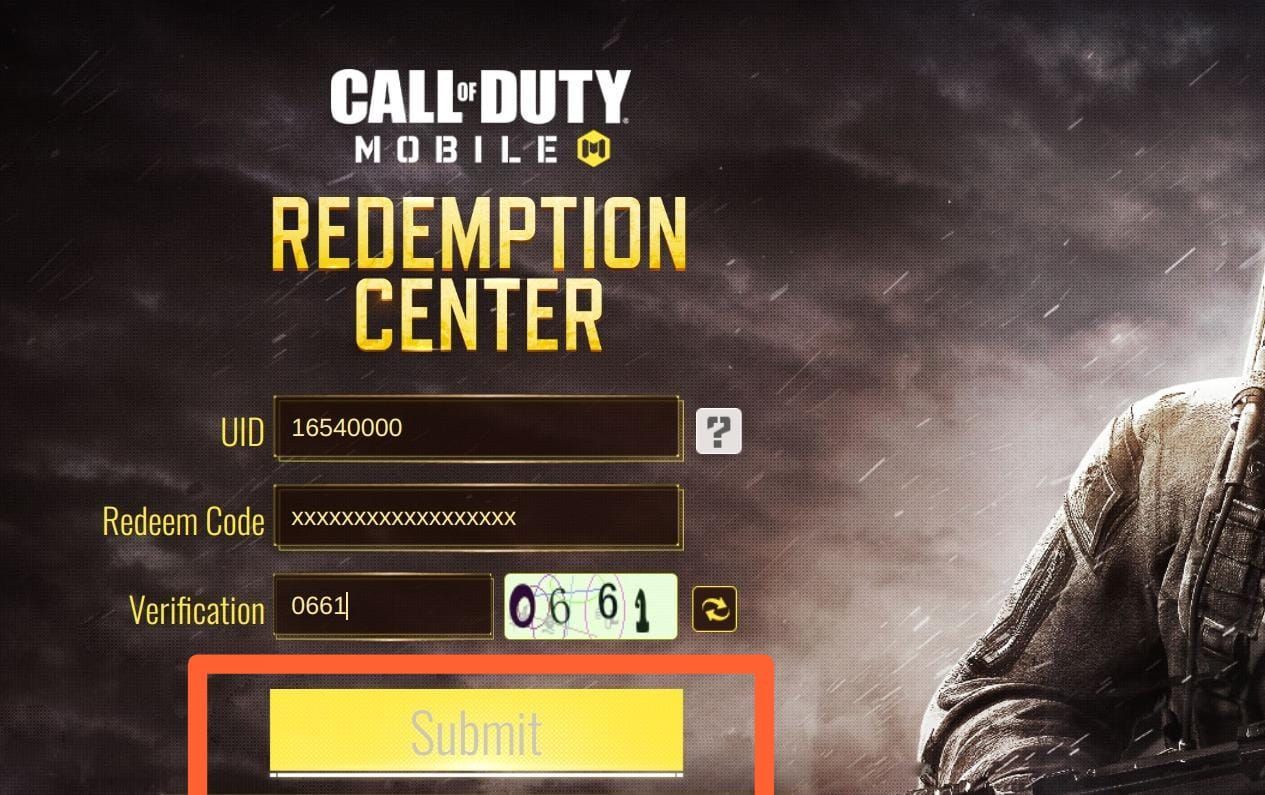


How To Use COD Mobile Redeem Codes 9fd50 1920 . COD Mobile Redeem Codes February 2026 Global And Garena Rewards Guide COD Mobile Redeem Code February 2026 Cd4da4f45d . Latest Active COD Mobile Redeem Codes For January 2026 Kode Redeem COD Mobile Aktif Januari 2026 Terbaru B387c33db8 . All CODM Redeem Codes For July 2026 Garena Global. Codm Redeem Code Today Codm 2026 CODM Redeem Code 2026 Global 1000068807


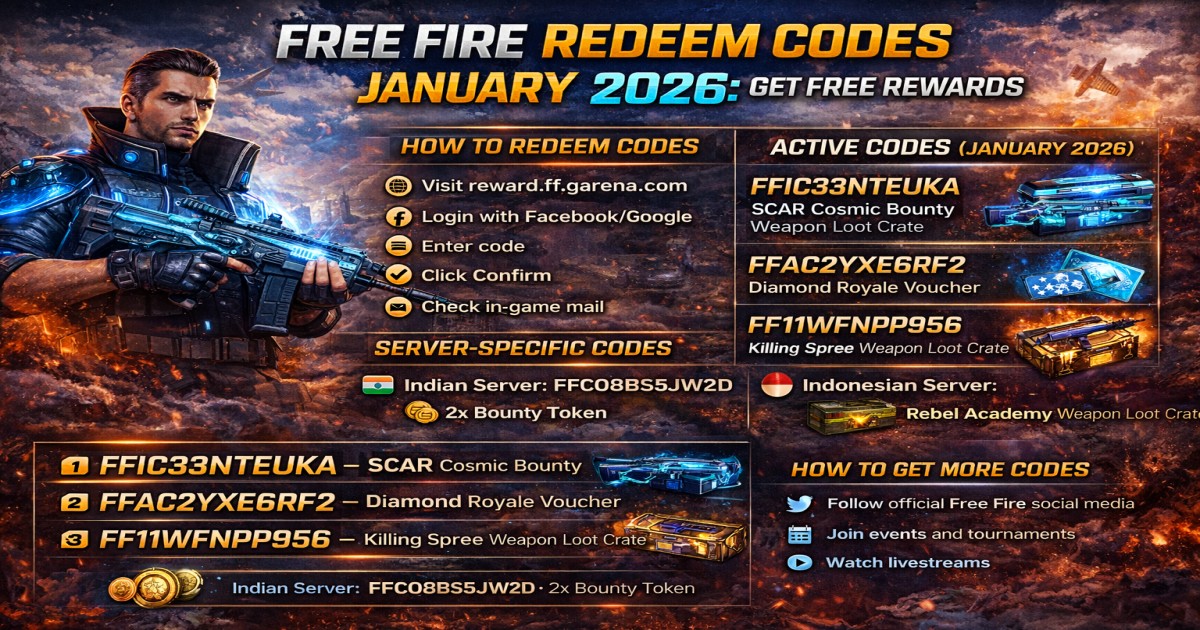
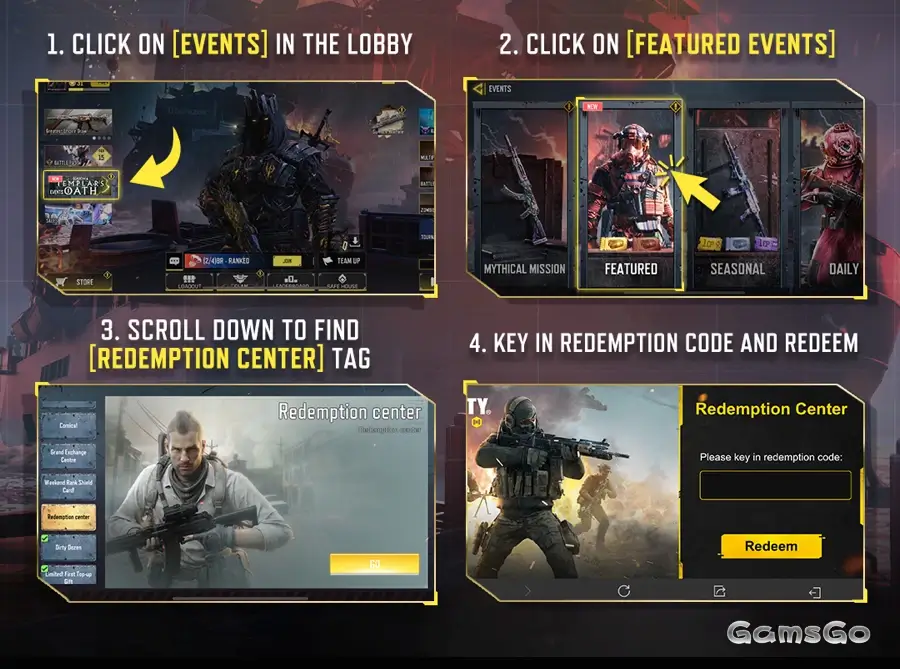
Call Of Duty Digital Code Call Of Duty Enter Code SQMKS Call Of Duty Codes Redeem 1. New Codm Redeem Code Working 2025 Call Of Duty Mobile Redeem Code . How To Redeem Codes In CODM A Complete Guide Blix Gg AD ZW2KFt 0dQGxXo37kW. Free Fire Redeem Codes January 2026 Free Diamonds Rewards 1769575366 . Free Fire Redeem Codes April 2026 Rewards FF Today Free Fire Redeem Codes.webp


ALL WORKING ROCKET LEAGUE REDEEM CODES 2026 YouTube . Free Roblox Promo Codes July 2026 Fossbytes Redeem Roblox Codes 2 768x382 . Valorant Redeem Code February 2026 Latest Updates PUBG Redeem Code 22 23 Maret 2026 Daftar Kode PMGC Ade5435278 . Outbreak Codes January 2026 RobloxGo 14967. Redeem
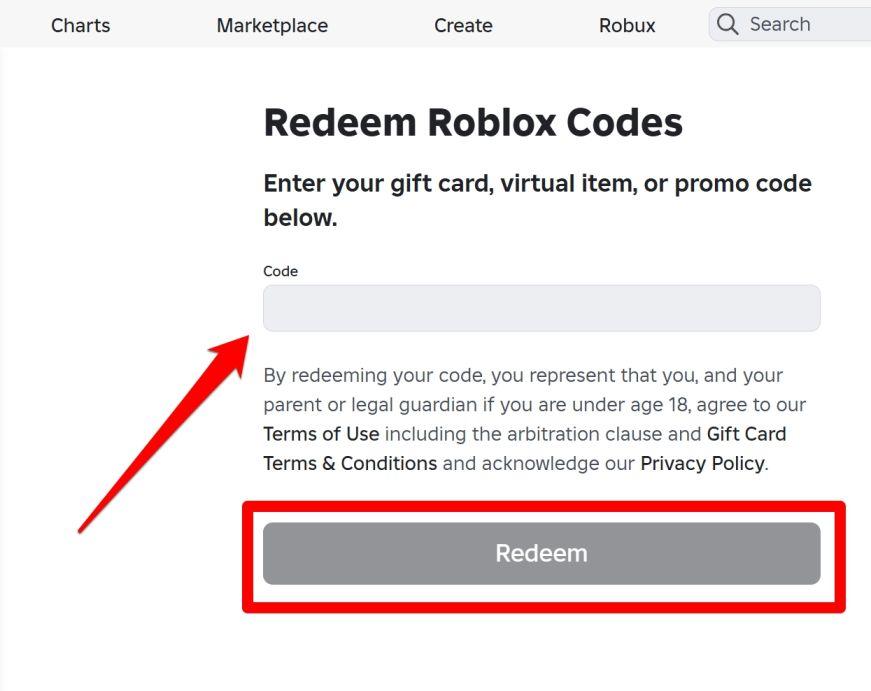

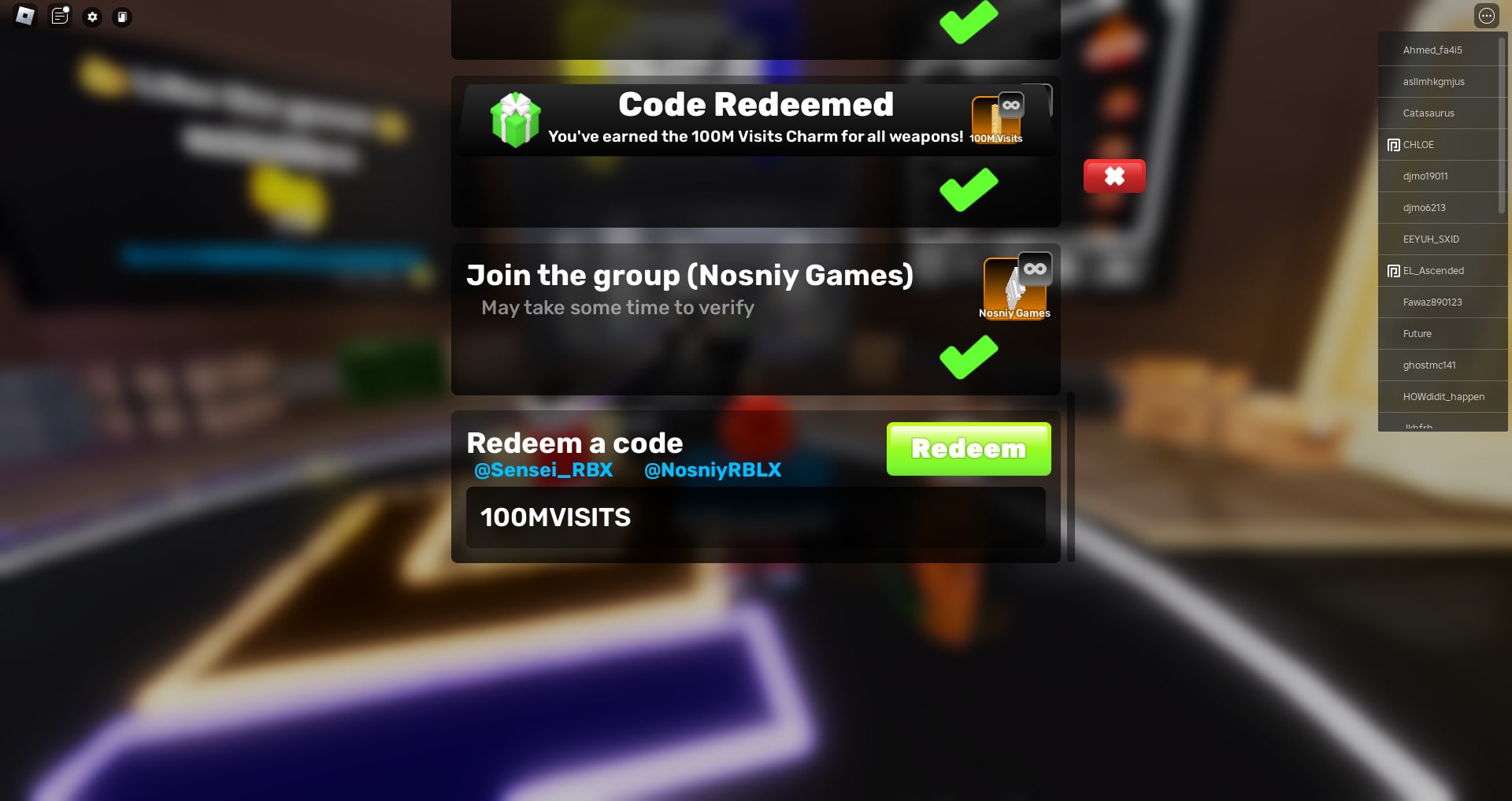
Valorant Redeem Code February 2026 Latest Updates Valorant Redeem Code Februari 2026 Kode Terbaru Dan Cara Klaim A956a0f204 . Roblox Promo Codes June 2026 All Active Items Free Gear AxeeTech How To Redeem Roblox Promo Codes . How Can You Redeem Roblox Codes Easily In 2026 How To Redeem Codes In Rivals Roblox . Abyss Redeem Code February 2026 How To Redeem Codes And Get Free Abyss Redeem Code Februari 2026 Cara Mendapatkan Hadiah Gratis Di Roblox B9a261fad6 . Want Freebies How To Get Codes For Roblox 2026 How To Redeem A Code In Roblox Rivals
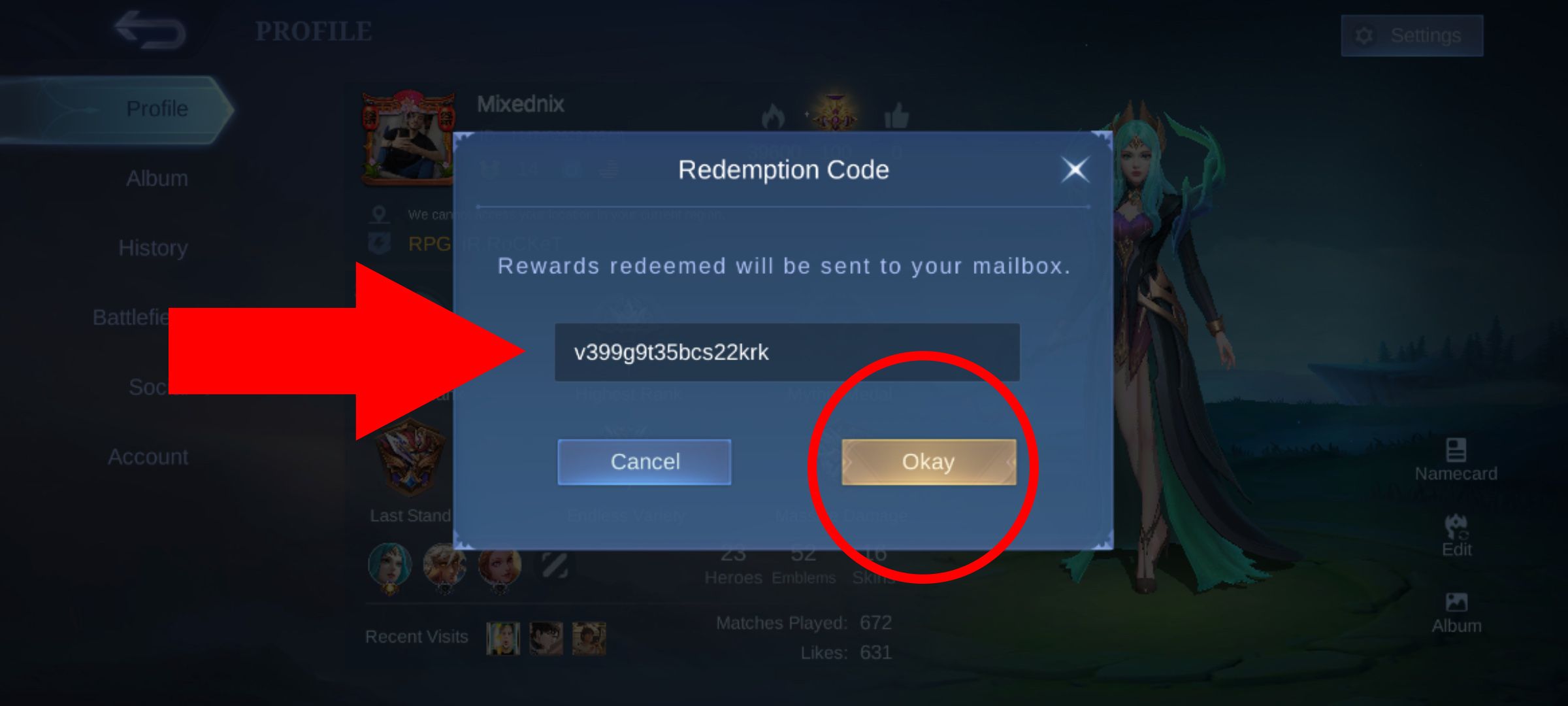
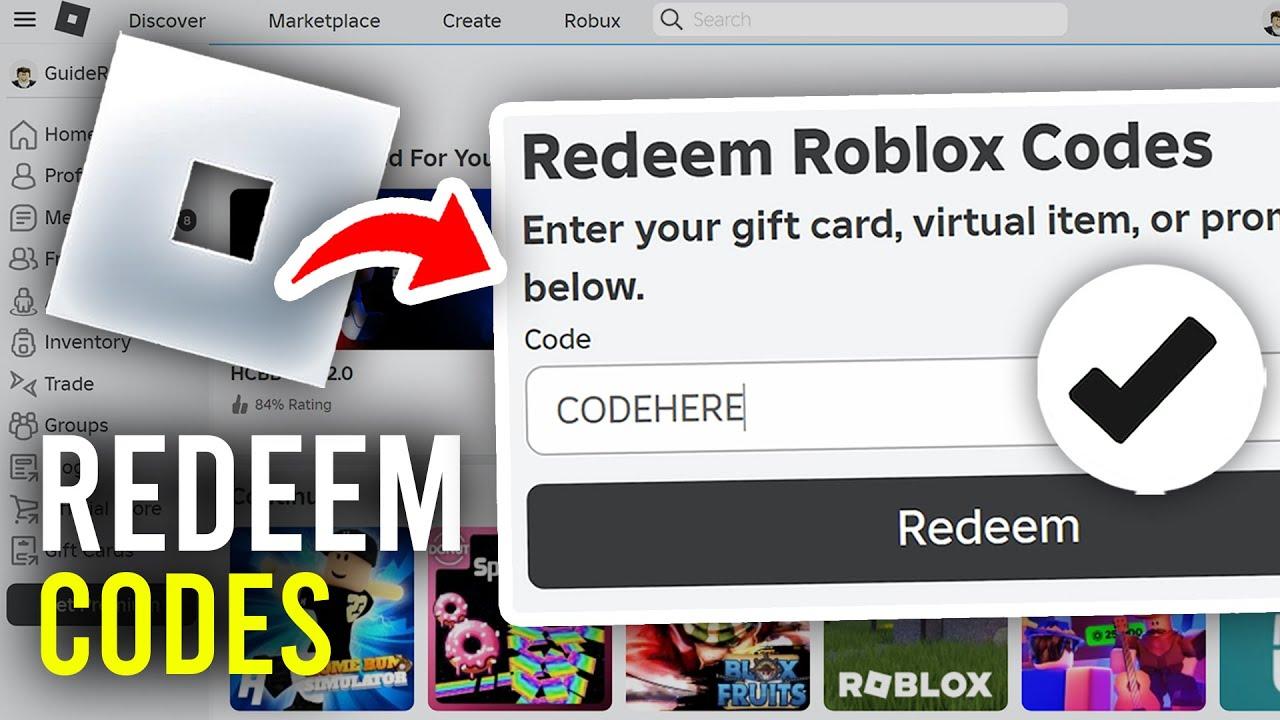

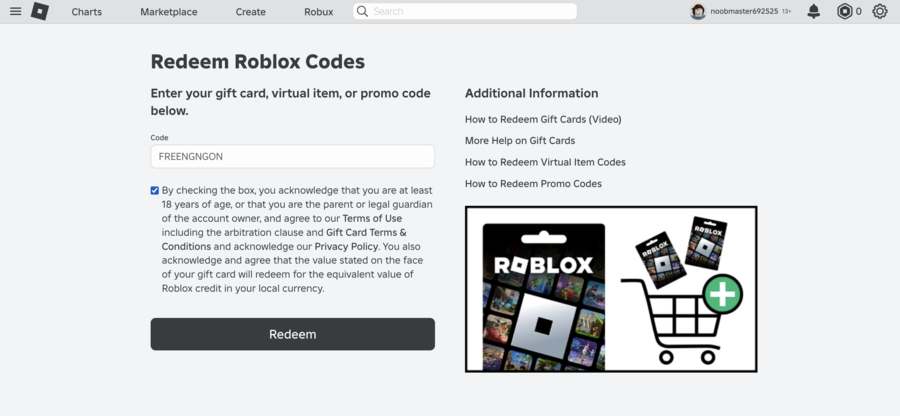
What Is A Redemption Code And How Does It Work How To Redeem Redemption Code Mobile Legends . Www Roblox Com Redeem Codes Your 2026 Guide To Free Rewards AxeeTech Www Roblox Com Redeem Codes . Today S MLBB Redeem Codes January 02 2026 Latest Code List How To Daftar Kode Redeem MLBB 2026 Januari 02 2026. Last Z Redeem Code January 2026 Kode Redeem Last Z Januari 2026 Info Terbaru Dan Cara Redeem Yang Benar 02ef623897 . How Can You Redeem Roblox Codes Easily In 2026 Redeem Roblox Codes 1


Roblox Promo Codes For 2026 All Working Codes Beebom Roblox Promo Code Redeem . Today S MLBB Redeem Codes January 02 2026 Latest Code List How To Kode Redeem MLBB Hari Ini Januari 02 2026 5b73dbd48f . How Can You Redeem Roblox Codes Easily In 2026 Redeem Codes For Roblox Doors.webp. How Can You Redeem Roblox Codes Easily In 2026 Roblox Pls Donate Codes 1 . How Can You Redeem Roblox Codes Easily In 2026 Redeem Roblox Codes 4




Active Game Redeem Codes The Complete 2026 Guide To Maximizing Tcsn . Cookie Run Kingdom Codes February 2026 Latest CRK Redeem Codes Kode Cookie Run Kingdom Februari 2026 Redeem Codes Terbaru And Cara Redeem 4f329cc7e3 . Renegade Immortal Code February 2026 And How To Redeem Renegade Immortal Code Februari 2026 Dan Cara Redeem 8748da5aca . FC Mobile Redeem Codes March 8 9 2026 FC Mobile Redeem Codes 8 9 Maret 2026 Cara Klaim Koin Gratis Terbaru Hari Ini 6523128e26 . Garena COD Mobile Redeem Codes And Item List 2026 CODM Code Redemption